All Images
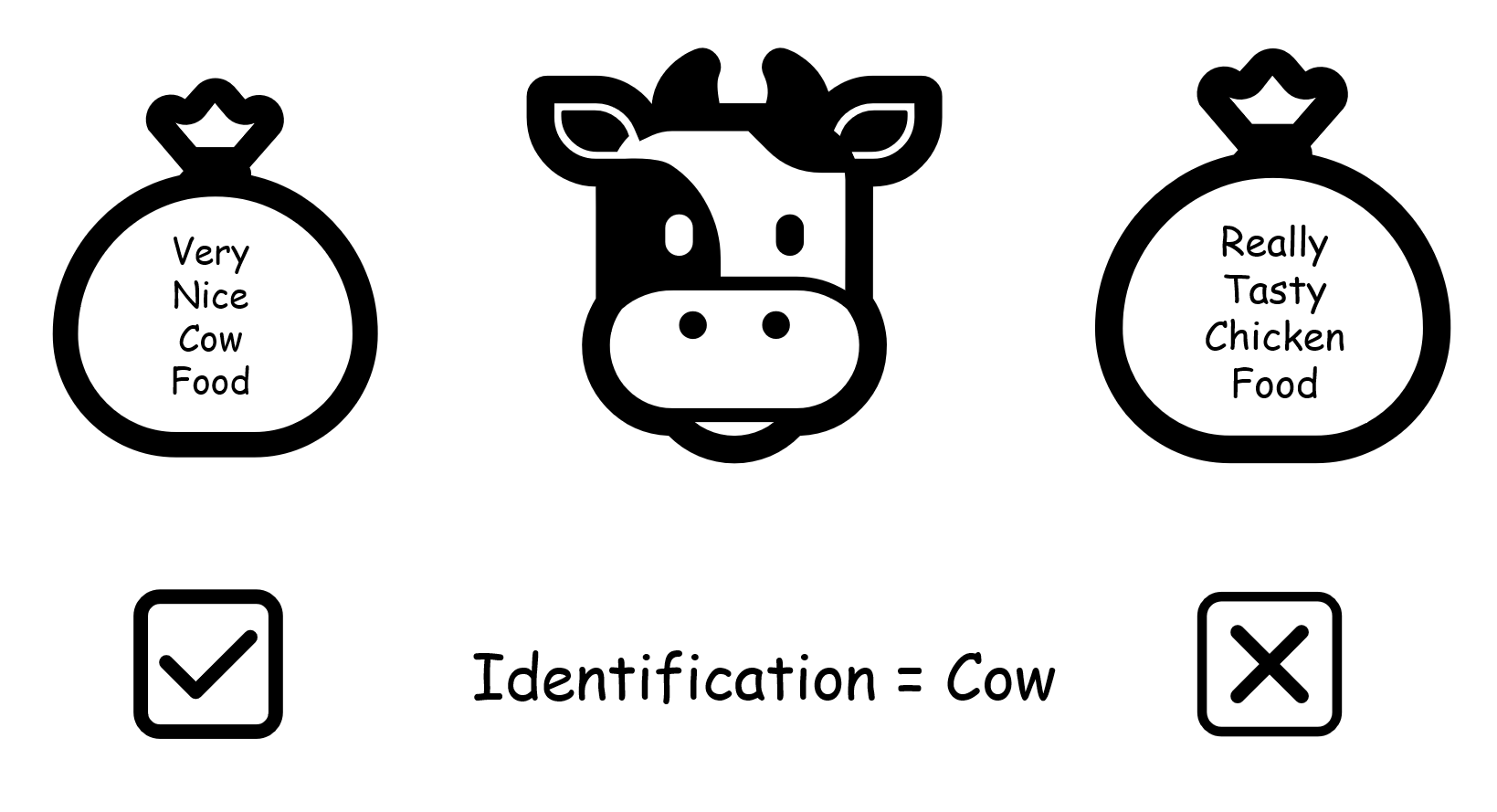
Image 1 of 1: ‘a cow with a large bag of chicken feed’
humans and computers both read by structure and
position
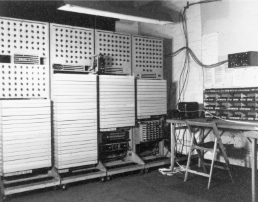
Image 1 of 1: ‘the Colossus computer of the Second World War filling an entire room’
From a machine that covered an entire room…
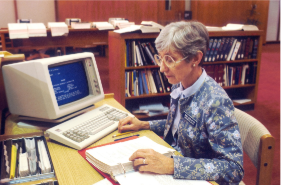
Image 1 of 1: ‘a librarian using a desktop IBM computer in 1987.’
To
one that fits on your desk in less than forty years
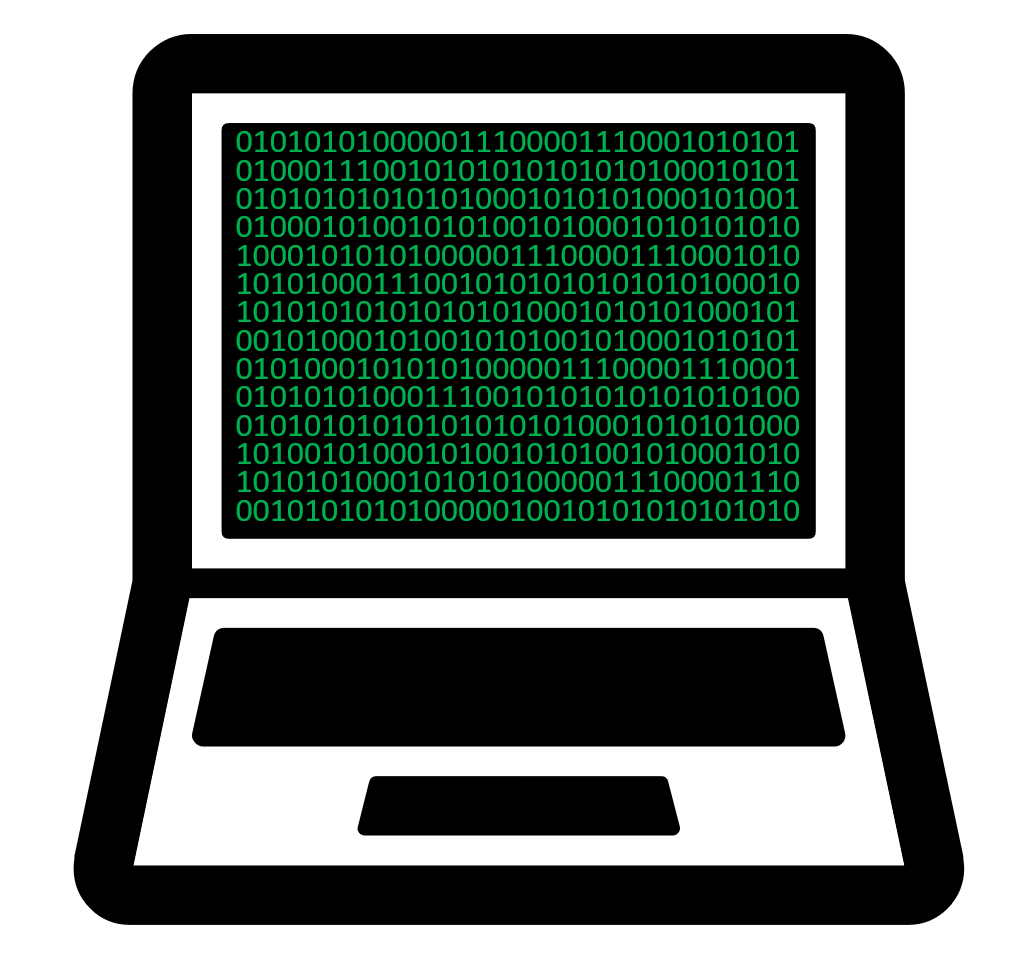
Image 1 of 1: ‘a picture of a computer screen with lots of 0s and 1s on the screen’
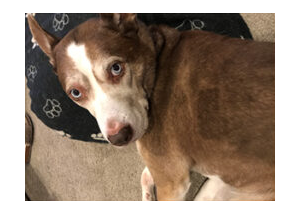
A photograph is also a long row of bytes.
Image 1 of 1: ‘a photograph of a dog’
Image 1 of 1: ‘image of a green arrow pointing leftwards.’
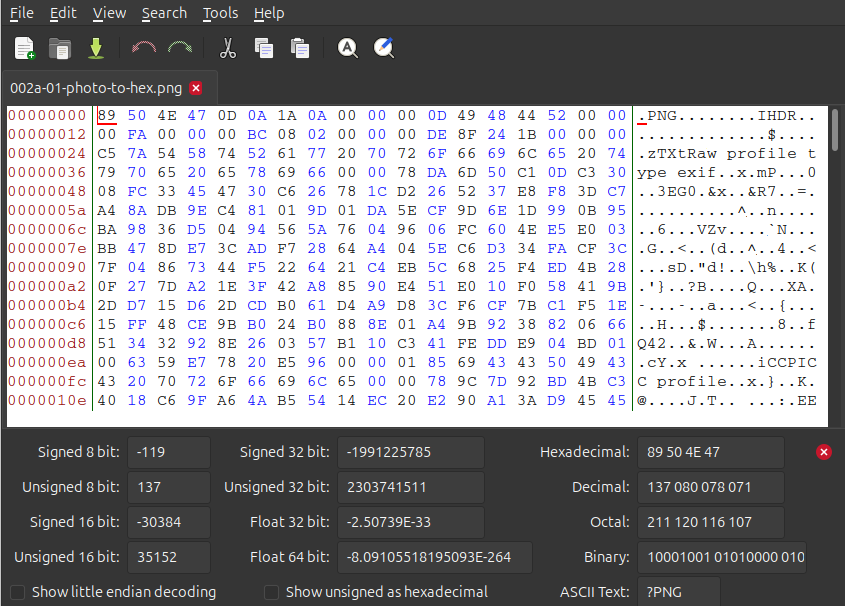
Image 1 of 1: ‘the same image file of a dog opened in a hex editor, showing its contents as hexadecimal and decoded text.’
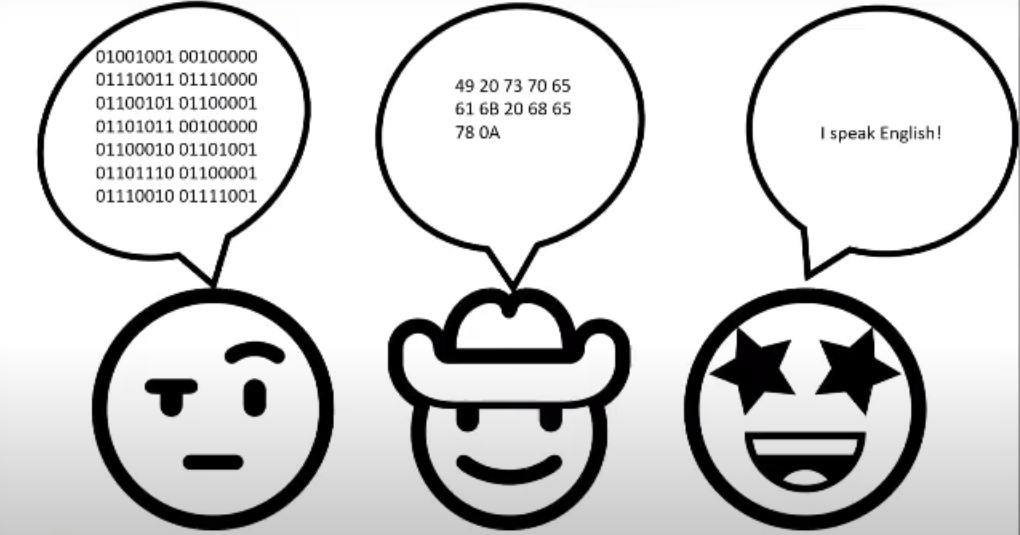
Image 1 of 1: ‘three cartoon faces with speech bubbles: the first speaks a long string of binary digits, the second speaks pairs of hexadecimal numbers, the third says I speak English.’
The same sentence spoken in binary, in
hexadecimal, and in English.
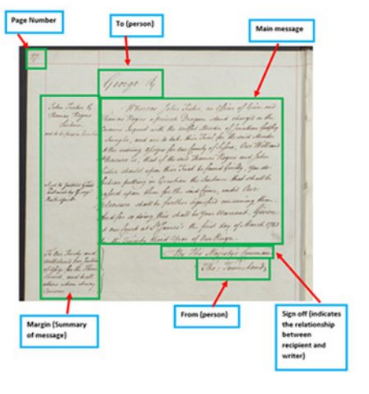
Image 1 of 1: ‘a handwritten letter annotated to show the page number, addressee, main message, sender and sign-off’
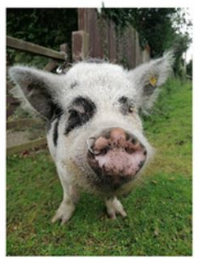
Image 1 of 1: ‘a photograph of a pig, showing its contents as hexadecimal and decoded text.’
Image 1 of 1: ‘image of a blue arrow pointing rightwards’
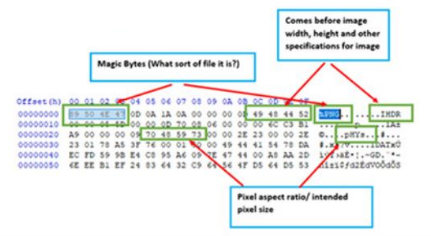
Image 1 of 1: ‘the same image file of a pig shown as hexadecimal, annotated to show the magic bytes, the image header and the pixel specifications’
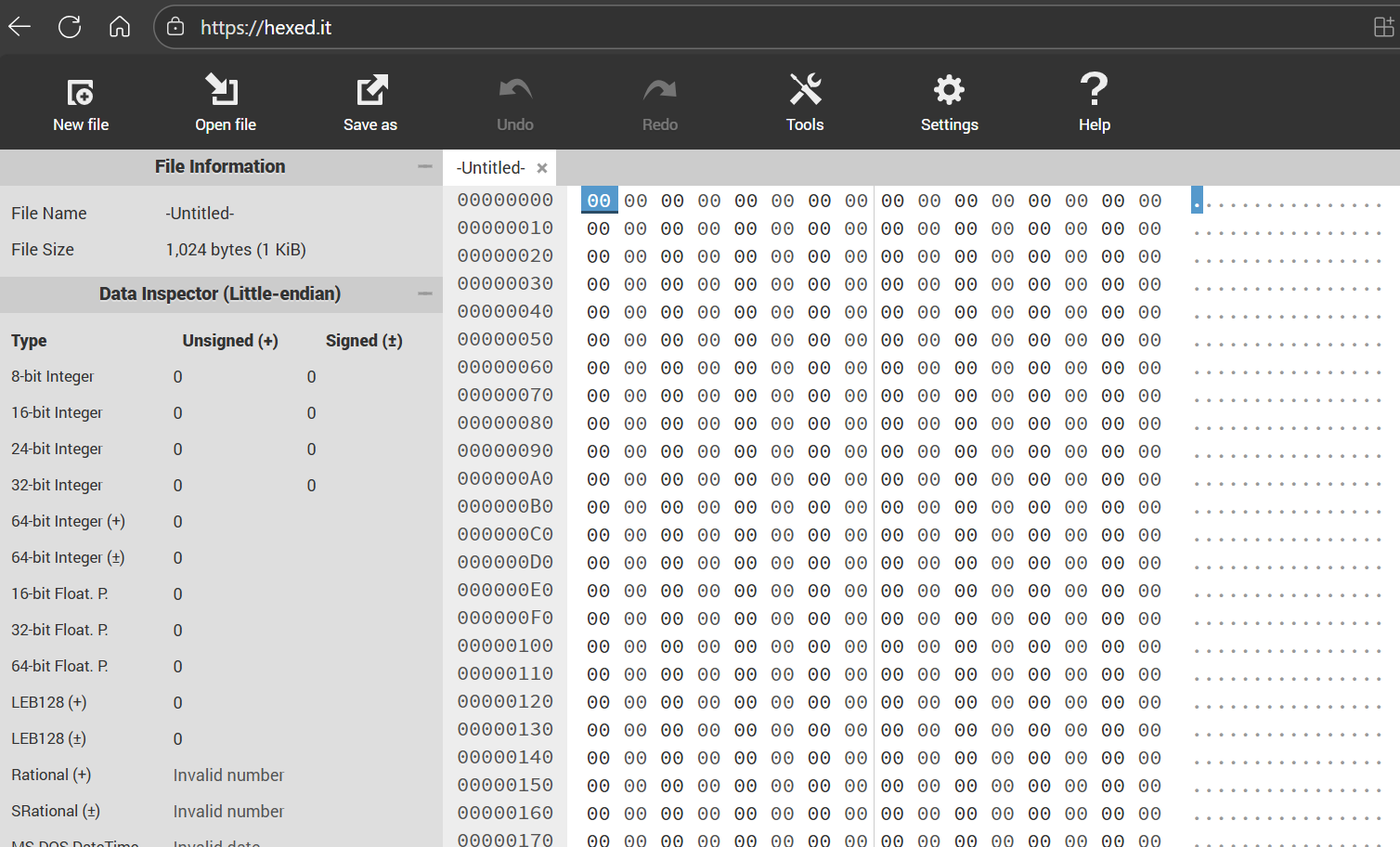
Image 1 of 1: ‘image shows a screenshot of the https://hexed.it user interface in the web browser.’
screenshot of hexed.it’s user interface.
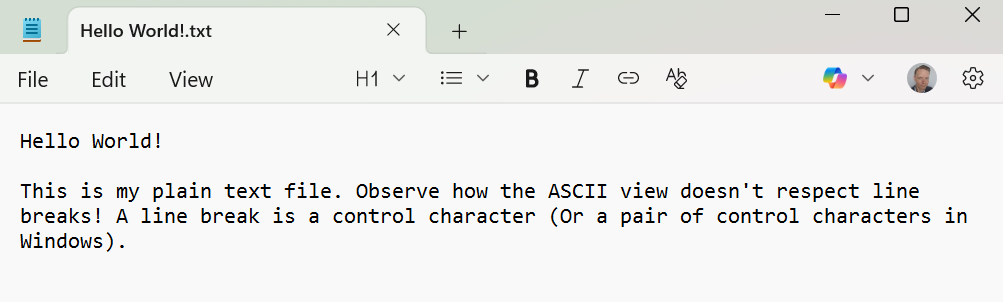
Image 1 of 1: ‘image shows our plain-text file as it would be viewed in a standard text editor, e.g. MS Notepad.’
Hello World! Plain-text file.
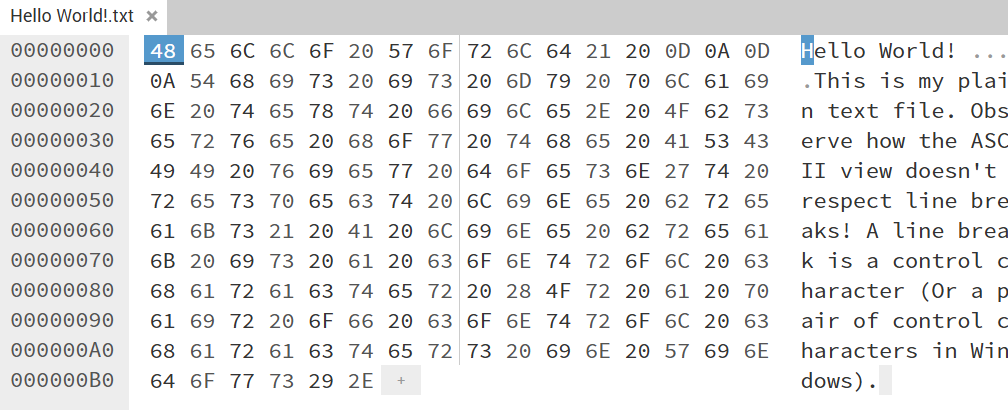
Image 1 of 1: ‘image shows the hexadecimal representation of a plain-text file in a hex editor's user interface.’
Hello World! Plain-text file in
hexadecimal.
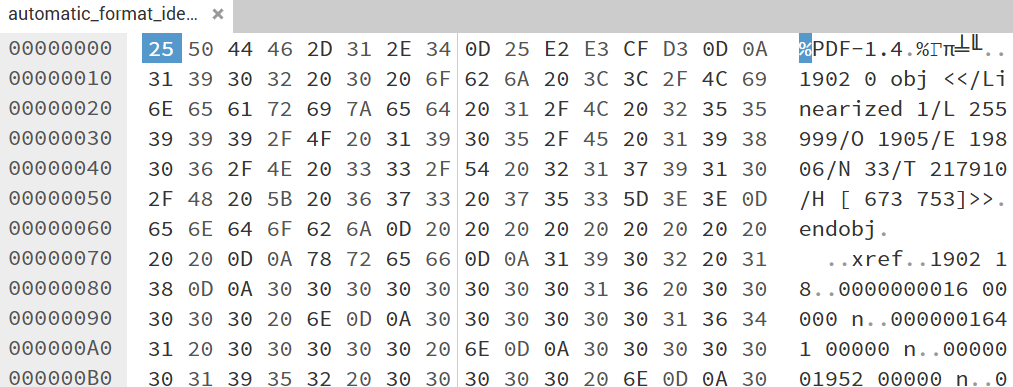
Image 1 of 1: ‘image shows the hexadecimal representation of a PDF file in a hex editor's user interface.’
A small part of a PDF file shown in a hex
editor.
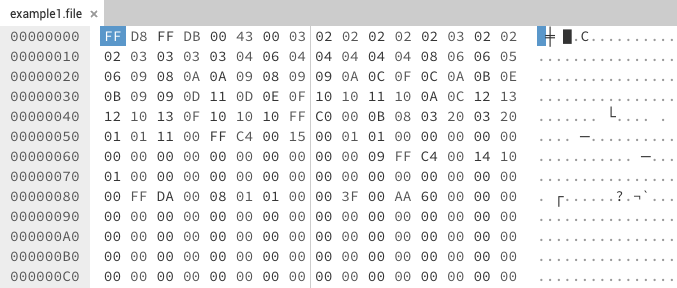
Image 1 of 1: ‘image shows the hexadecimal representation of a JPEG file in a hex editor's user interface.’
What would Trinity do?
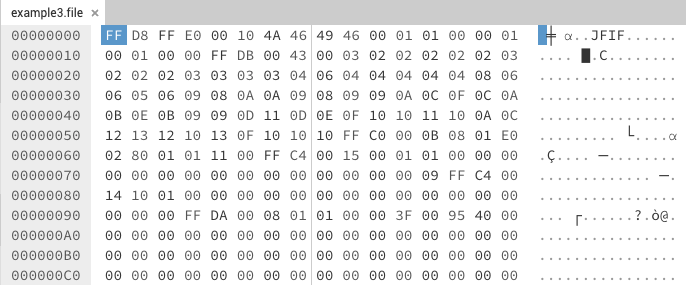
Image 1 of 1: ‘image shows the hexadecimal representation of another JPEG file in a hex editor allowing us to identify differences in patterns.’
Another JPEG for comparison.
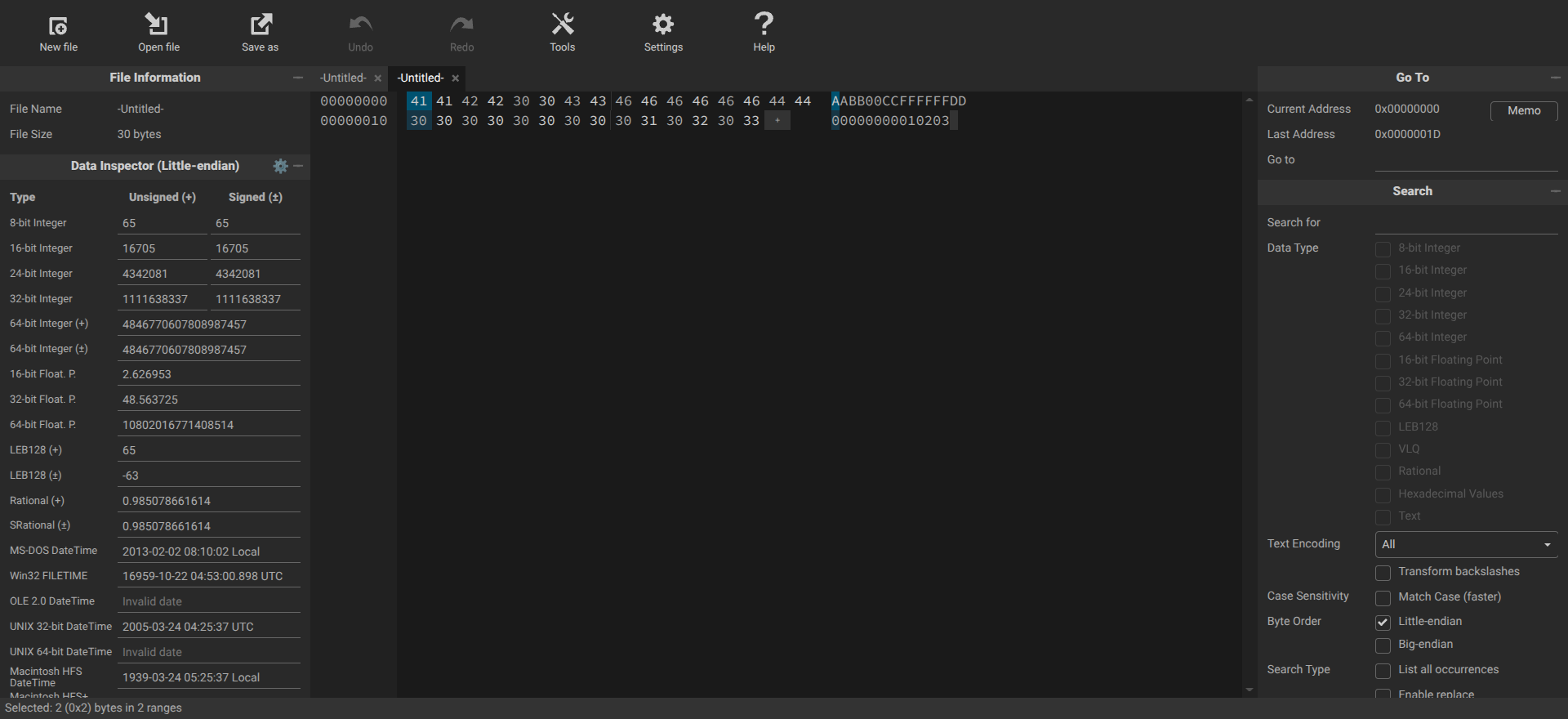
Image 1 of 1: ‘image shows a skeleton file in a hex editor and the hex editor\s layout and various panes’
Example skeleton file in hexed.it
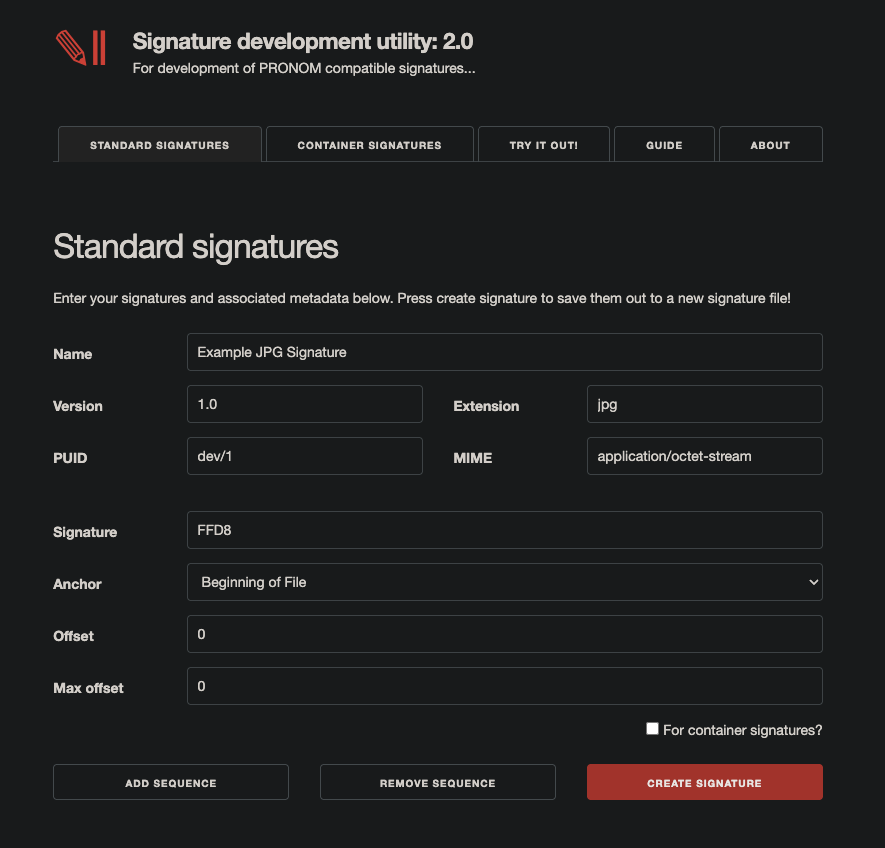
Image 1 of 1: ‘image shows the user interface of the signature development utility.’
The Signature Development Utility
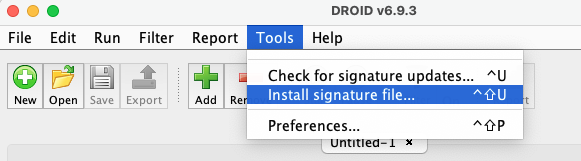
Image 1 of 1: ‘image shows DROID user interface and where you would navigate to so that you can upload a new signature file.’
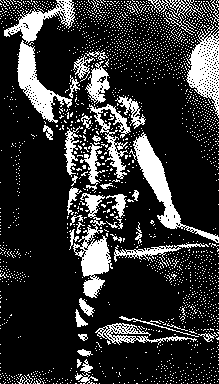
Image 1 of 1: ‘Image of Siegfried from IT for Archivists’
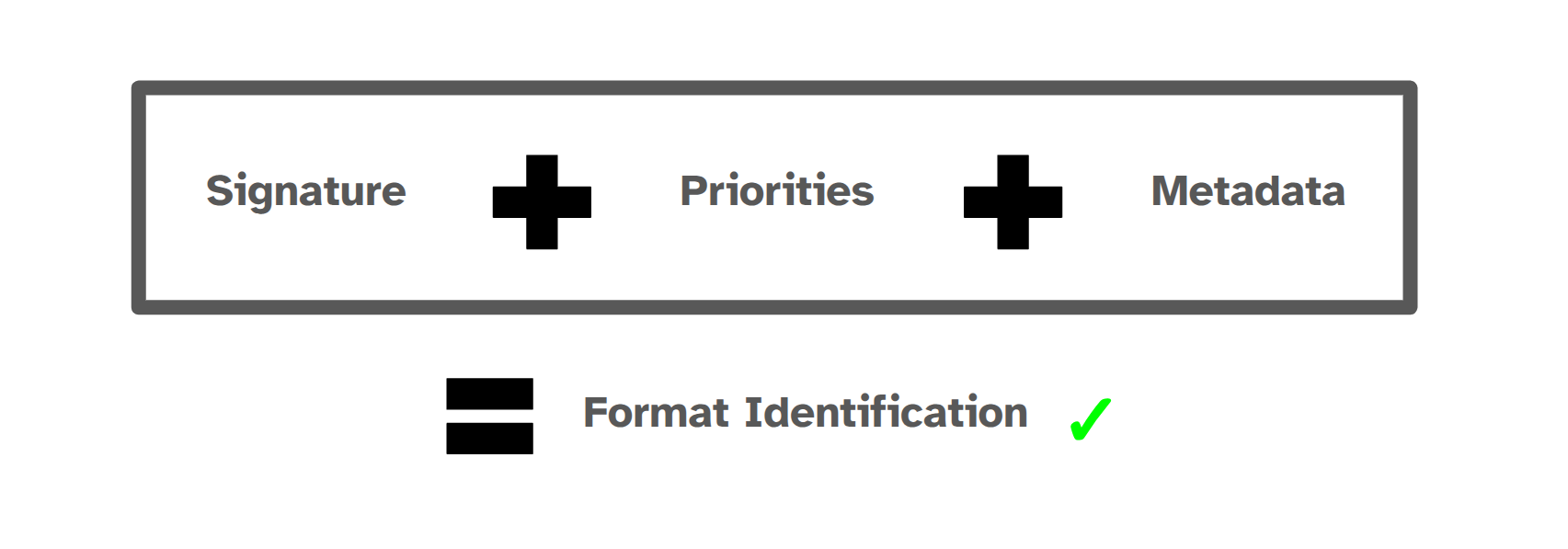
Image 1 of 1: ‘Image shows how a format identification is constructed in PRONOM by combining signature, priority, and metadta’
Format identification result using PRONOM
data.